


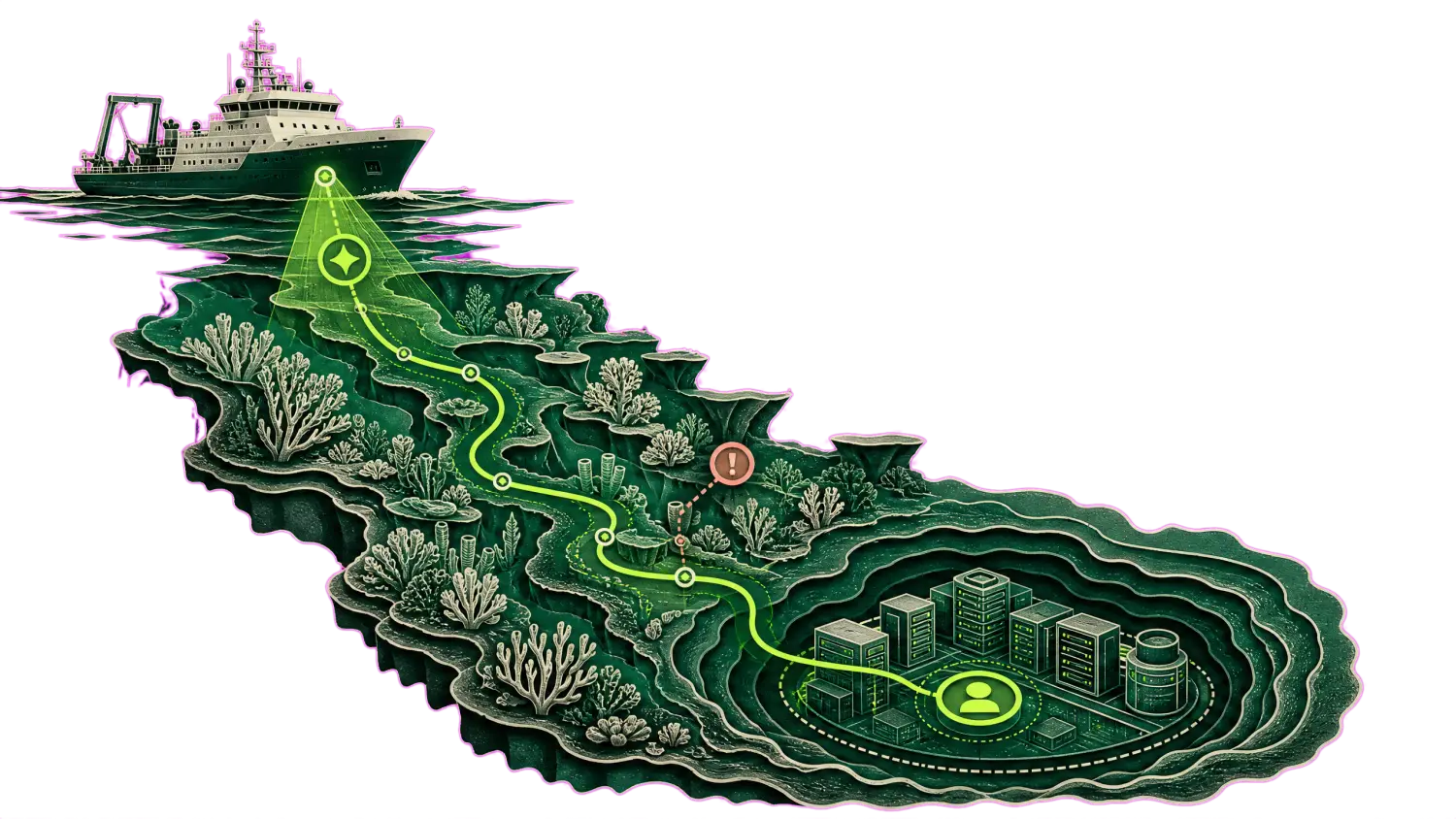


Closed at machine speed on your audit trail. Alert moves to Resolved on rescan.
- Investigated
- read-only, 09:03
- Change
- PUBLIC → PRIVATE
- Rollback
- ready before execution
Closed at machine speed on your audit trail. Alert moves to Resolved on rescan.
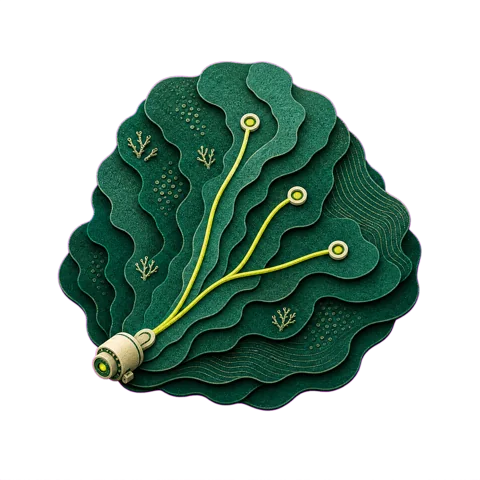
Contextualize Prisma vulnerability alerts and enhance them for more effective remediation, ensuring a clearer path to resolving underlying issues.
No scanner to replace. No contract to end.
Nothing to install in production.
53 percent of everything ever detected is still open. The State of Cloud Remediation 2026, 14.86M detections across hundreds of enterprise environments.
Prisma Cloud alone
Prisma Cloud plus Tamnoon
A Config alert opens
Policy violation on a resource, scored, queued


Investigated read-only, then rated
An Attack Path alert
The confluence of issues drawn in the graph view


The path is walked read-only, each hop rated
Identical alerts
One policy, one answer

Six buckets, three answers

Safe

Risky

Awaiting data
What cannot be proven safe
Stays Open


Risky
Declined, with the reason attached
The safe ones
Wait for an engineer


Safe
Closed on your execution plane, alert Resolved
After detection, three questions are left standing:
What stays Open after that is the residue: the alert where the safe answer depends on live traffic to the resource, an owner no tag resolves, or a dependency outside the policy’s sight.
That is the mile Tamnoon runs.
It reads the alert, investigates read-only, and returns one of three answers, each carrying its evidence, and each landing back in your alert states, not beside them.

Is this fix safe here?

Who answers for it?

Will it stay closed?
The queue carries the environment facts that decide the answer. The record carries the change, the owner, the rollback and where it lands in your ticketing.
| Scanner | Severity | Finding | Environment fact | Verdict |
|---|---|---|---|---|
![]() | Critical | Config alert: database instance accessible from the internet | no requests in 90 days | Safe |
![]() | High | Attack Path alert: exposed VM with permissive IAM role | 2 services, live traffic | Risky |
![]() | Medium | Audit Event alert: security group rule widened in production | owner unresolved | Awaiting data |
| Priority | Investigated | Cloud provider | Asset | Status | Lands in |
|---|---|---|---|---|---|
| Medium | read-only, 07:40 | AWS | s3-ingest-prod-017 | Safe | Jira |
Read-only investigation runs before anything is proposed, and it is the evidence attached to whichever answer comes back. Identifiers on this page are fictional.
Closed at machine speed on your audit trail. Alert moves to Resolved on rescan.
Refused, with the reason. The change that would have caused the 3am page was refused at two.
A third answer, chosen. Ownership could not be resolved, so nothing was touched and the missing context was requested. It does not guess.
Identifiers fictional · one healed never travels without the declines beside it
Through the Prisma Cloud API, read access only. No scanner change, no re-scan, no second agent in production.
Live traffic, usage, dependencies and ownership, all read-only.
Under your IAM policies, on your audit trail, with rollback defined first.
Move scanners and every judgment already made comes with you, through your vendor’s next acquisition too.
Findings from your scanner, context from your cloud, changes on your execution plane.
Self-healing infrastructure restores desired state: a pod restarts, an instance is replaced, a group scales back up. It is availability automation and it exercises no judgment about safety. Tamnoon heals the security posture instead: it investigates the finding in context, decides whether a change is safe to make at all, refuses what it cannot prove, and leaves the receipt behind. Restarting a pod is not the same as knowing which bucket must stay public.
Prisma Cloud automates hygiene on its own findings. Tamnoon works on what remains after that. It investigates each alert read-only in your live environment, groups things together to increase efficiency of each action instead of going a single alert at a time, closes what it can prove safe through your own change process, declines what it cannot with the evidence why, and answers for the outcome.
No. Tamnoon sits downstream of the Prisma Cloud you already run, reading alerts through the API with read access. Your policies, alert rules and integrations stay exactly as they are. No scanner to replace, no contract to end.
Yes. Tamnoon is downstream of whichever scanner you run, and it reads both Prisma Cloud and Cortex Cloud today. If you move, the judgments already made carry over with you, so a platform transition does not mean re-answering every question the queue already answered.
A tool that fires fixes blind is an autoimmune reaction: it attacks the body it is supposed to protect. Tamnoon starts from the opposite premise. Every fix is investigated read-only first, against live traffic, usage, dependencies and ownership. What it cannot prove safe it refuses, and the refusal ships with the evidence why. You were not wrong to pull the plug on a tool that could not tell you why a change was safe.
They approve a change class, not a black box. Starting mode is SAFE-only: the engine closes only the class of change your board has approved, through your own change process, under your IAM policies, on your audit trail. Autonomy widens on evidence, class by class, and every decision leaves a record your auditor can read.
Read-only, in the first meeting. Live discrimination, a live refusal, and a live safe heal.
WizSelf-healing for Wiz →
CrowdStrike Falcon CloudSelf-healing for Falcon Cloud →
Microsoft Defender for CloudSelf-healing for Defender →
Palo Alto Cortex CloudSelf-healing for Cortex Cloud →
Orca SecuritySelf-healing for Orca →
SentinelOneSelf-healing for SentinelOne →
Upwind SecuritySelf-healing for Upwind →
Lacework FortiCNAPPSelf-healing for FortiCNAPP →
Qualys TotalCloudSelf-healing for TotalCloud →
Sweet SecuritySelf-healing for Sweet →