

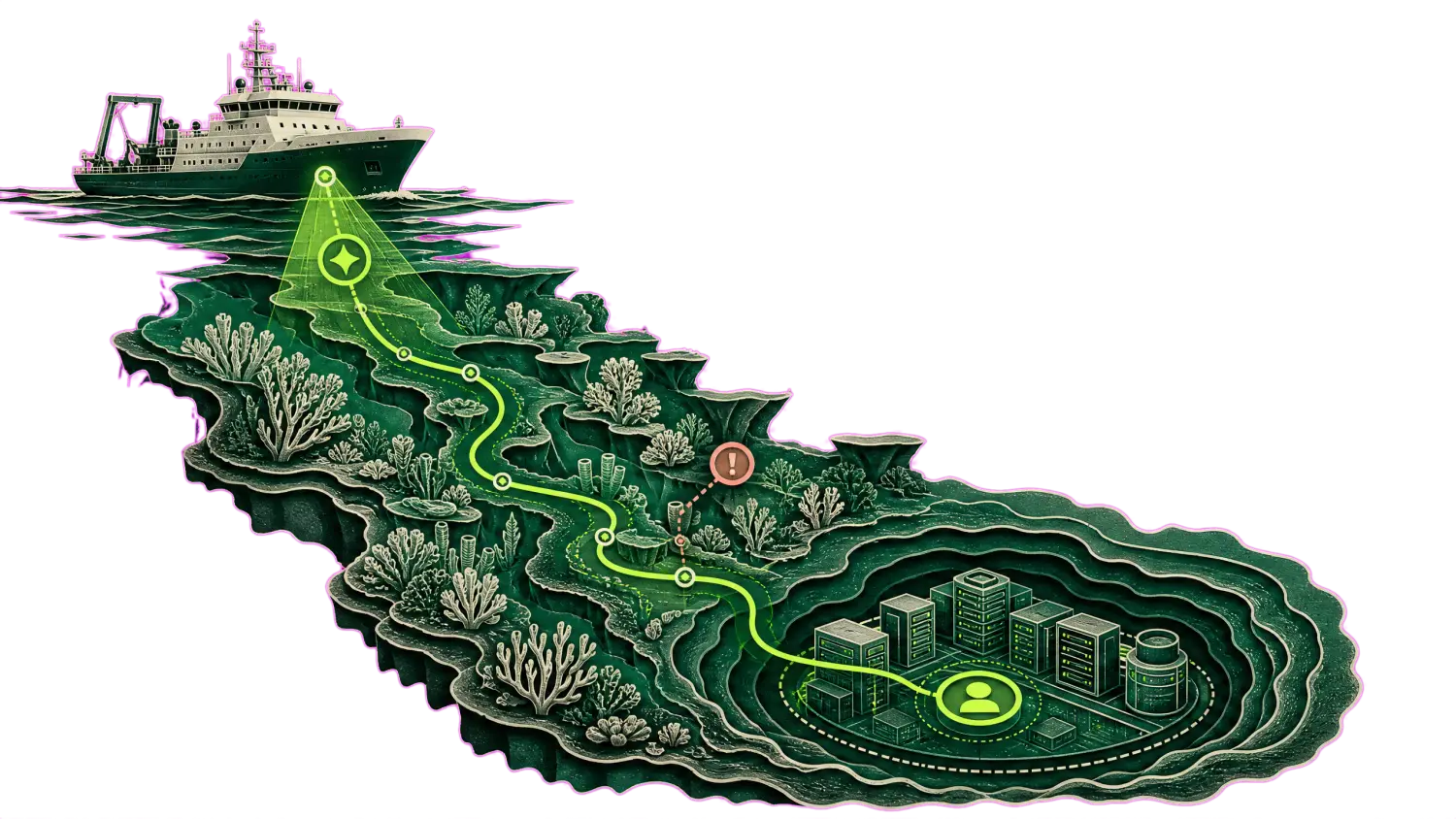


Defender finds it. Tamnoon proves it, refuses, or asks, and shows why.

Enhance and contextualize Microsoft Defender for Cloud alerts to streamline remediation and improve issue resolution.

No scanner to replace. No contract to end.
Nothing to install in production.

Defender recommendations, plus the context that decides them Safe
Risky
Awaiting data

Defender found it in minutes. The finding is still open in month five.

53 percent of everything ever detected is still open. The State of Cloud Remediation 2026, 14.86M detections across hundreds of enterprise environments.

Defender for Cloud alone

Defender for Cloud plus Tamnoon

A recommendation opens

Assessed against the benchmark, secure score drops, queued

The finding

Investigated read-only, then rated

An attack path forms

The cloud security graph draws the route to the critical asset

The finding

The path is walked read-only, each hop rated

Identical recommendations

One assessment, one answer

The finding

Six buckets, three answers

Safe

Risky

Awaiting data

What cannot be proven safe

Stays open, score stays down

The finding

Risky

Declined, with the reason attached

The safe ones

Wait for an owner and a due date

The finding

Safe

Closed on your execution plane, score recovers on reassessment

After detection, three questions are left standing:

What stays on the Recommendations page after that is the residue: the management port that just-in-time access would close, if anyone were sure which vendor still uses it. The VM encryption change nobody will run against production without proof. Governance rules can assign that work an owner and a due date. Tamnoon is what answers it, read-only first, on every recommendation.

Is this fix safe here?

Who answers for it?

Will it stay closed?

A Defender recommendation, after the engine has read it.

The queue carries the environment facts that decide the answer. The record carries the change, the owner, the rollback and where it lands in your ticketing.

RecommendationProtect management ports on production virtual machines
Made with Tamnoon
Environment
PROD
Exposure
Public
Encryption
True
Resource
Virtual Machine
Crown jewel
1
Owner
J. Doe
ScannerSeverityFindingEnvironment factVerdict
Defender for CloudCriticalManagement ports should be protected with just-in-time accessno inbound in 90 daysSafe
Defender for CloudHighMachines should have vulnerability findings resolved2 services, live trafficRisky
Defender for CloudMediumAuthentication to Linux machines should require SSH keysowner unresolvedAwaiting data
Create an initiative from this recommendation? AcceptReject
TMN-96814 · System updates should be installed on your machinesSafe to remediate
RecordEvidenceTicket
PriorityInvestigatedCloud providerAssetStatusLands in
Mediumread-only, 07:40Azurevm-app-prod-114Safe
ServiceNow

Read-only investigation runs before anything is proposed, and it is the evidence attached to whichever answer comes back. Identifiers on this page are fictional.

Three Defender recommendations. Three different answers.

TMN-96811Defender for Cloud
Recommendation: management ports of this VM should be protected with just-in-time access. No inbound connections in 90 days, no automation depends on the open port.
Investigatedread-only, 07:18
ChangeJIT access enabled
Rollbackready before execution
Safeclosed 07:19

Closed at machine speed on your audit trail. Secure score recovers on reassessment.

TMN-96811
Defender for Cloud
Recommendation: management ports of this VM should be protected with just-in-time access. No inbound connections in 90 days, no automation depends on the open port.
Investigated
read-only, 07:18
Change
JIT access enabled
Rollback
ready before execution
Safe closed 07:19

Closed at machine speed on your audit trail. Secure score recovers on reassessment.
TMN-96812Defender for Cloud
Identical recommendation, identical severity. This VM’s open port carries a live vendor integration that authenticates over it nightly.
Investigatedread-only, 07:18
Dependents1 vendor job, live
Changenot executed
Riskydeclined 07:19

Refused, with the reason. The change that would have caused the 3am page was refused at two.

TMN-96812
Defender for Cloud
Identical recommendation, identical severity. This VM’s open port carries a live vendor integration that authenticates over it nightly.
Investigated
read-only, 07:18
Dependents
1 vendor job, live
Change
not executed
Risky declined 07:19

Refused, with the reason. The change that would have caused the 3am page was refused at two.

TMN-96813Defender for Cloud
Recommendation: encryption at host should be enabled. The owning team cannot be resolved from tags, and the maintenance window is unknown.
Investigatedread-only, 07:18
Ownerunresolved
Changenothing touched
Awaiting dataasked 07:19

A third answer, chosen. Ownership could not be resolved, so nothing was touched and the missing context was requested. It does not guess.

TMN-96813
Defender for Cloud
Recommendation: encryption at host should be enabled. The owning team cannot be resolved from tags, and the maintenance window is unknown.
Investigated
read-only, 07:18
Owner
unresolved
Change
nothing touched
Awaiting data asked 07:19

A third answer, chosen. Ownership could not be resolved, so nothing was touched and the missing context was requested. It does not guess.

Identifiers fictional · one healed never travels without the declines beside it

Tamnoon reads Defender for Cloud findings.

Through Azure Resource Graph and the Defender APIs, read access only. No scanner change, no re-scan, no second agent in production.

Tamnoon investigates before it touches anything.

Live traffic, usage, dependencies and ownership, all read-only.

Tamnoon executes through your change process.

Under your IAM policies, on your audit trail, with rollback defined first.

Tamnoon carries over when you switch.

Move scanners and every judgment already made comes with you.

Tamnoon executes through your change process, not around it.

Findings from your scanner, context from your cloud, changes on your execution plane.

What teams running Defender ask first.

How is this different from self-healing infrastructure?
+

Self-healing infrastructure restores desired state: a pod restarts, an instance is replaced, a group scales back up. It is availability automation and it exercises no judgment about safety. Tamnoon heals the security posture instead: it investigates the finding in context, decides whether a change is safe to make at all, refuses what it cannot prove, and leaves the receipt behind. Restarting a pod is not the same as knowing which bucket must stay public.

How is this different from Defender’s own remediation?
+

Defender for Cloud automates hygiene on its own findings. Tamnoon works on what remains after that. It investigates each recommendation read-only in your live environment, groups things together to increase efficiency of each action instead of going a single recommendation at a time, closes what it can prove safe through your own change process, declines what it cannot with the evidence why, and answers for the outcome.

Will this raise our secure score?
+

The score follows the work. Every recommendation Tamnoon closes is reassessed by Defender on its normal cycle and the score recovers as the queue drains. What the score will not show, and the decision records will, is the set of recommendations that were declined on purpose, with the evidence why closing them was the wrong call.

Do we have to change our Defender setup?
+

No. Tamnoon sits downstream of the Defender for Cloud you already run, reading recommendations through Azure Resource Graph and the Defender APIs with read access. Your plans, standards and governance rules stay exactly as they are.

We were burned by auto-remediation. Why is this different?
+

A tool that fires fixes blind is an autoimmune reaction: it attacks the body it is supposed to protect. Tamnoon starts from the opposite premise. Every fix is investigated read-only first, against live traffic, usage, dependencies and ownership. What it cannot prove safe it refuses, and the refusal ships with the evidence why. You were not wrong to pull the plug on a tool that could not tell you why a change was safe.

What do I tell my change advisory board?
+

They approve a change class, not a black box. Starting mode is SAFE-only: the engine closes only the class of change your board has approved, through your own change process, under your IAM policies, on your audit trail. Autonomy widens on evidence, class by class, and every decision leaves a record your auditor can read.

See the engine run against your own Defender tenant.

Read-only, in the first meeting. Live discrimination, a live refusal, and a live safe heal.