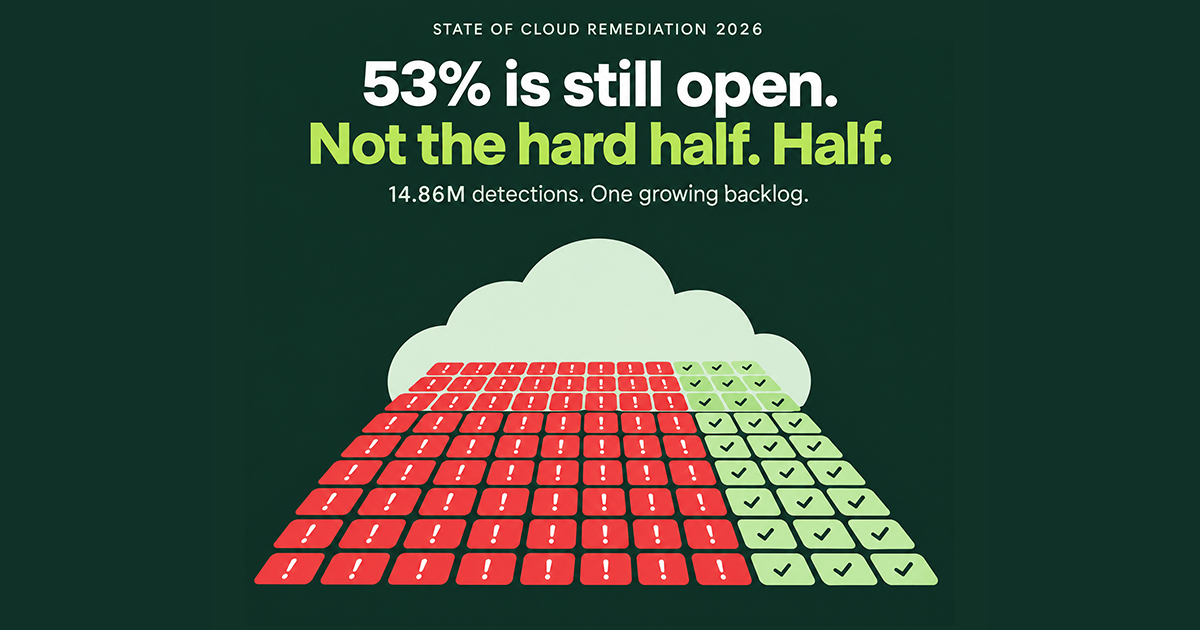
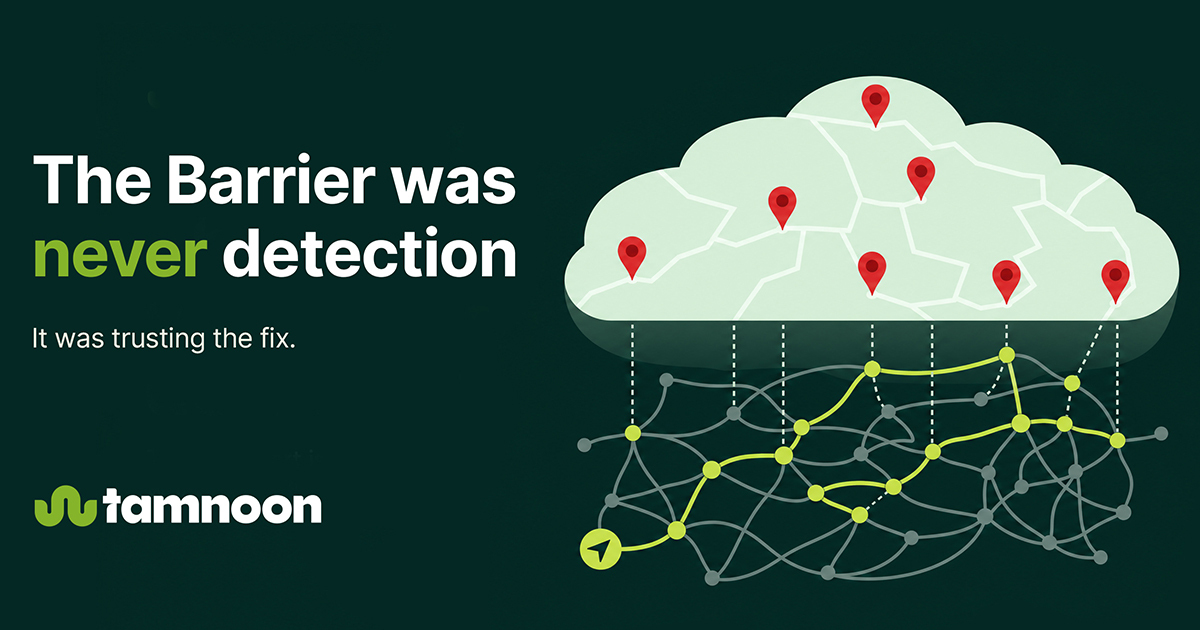
Most organizations don’t have a detection problem, they have a remediation problem. Cloud security teams are flooded with alerts, yet few ever get resolved.
Cloud security teams are flooded with alerts, yet few ever get resolved. And trust us, after analyzing over 4.7 million alerts in our State of Cloud Remediation report, we know what the numbers say.
These numbers point to a harsh truth: modern CNAPPs and CSPMs are excellent at surfacing issues, but not so great at fixing them. Visibility alone doesn’t reduce risk. If you can’t resolve issues efficiently, your backlog grows, risk exposure climbs, and your team burns out.
That’s where remediation management software comes in.
Done right, the right remediation software helps transform your alert backlog into a structured, prioritized workflow with clear ownership, faster fixes, and real security outcomes.
How do you get there? We’ll explain how to choose the ideal remediation management software for your organization, including what to look for, how it fits into a larger remediation risk management strategy, and how Tamnoon helps teams operationalize the vulnerability management remediation process with less overhead and more clarity.
Cloud environments don’t break gently. They break fast and often without warning.
With the pace of cloud development, misconfigurations aren’t an edge case. They’re daily occurrences. Most security teams deal with dozens of new findings per day across IAM, storage, networking, and compute layers. But the real bottleneck isn’t visibility, it’s response.
Without a structured remediation risk management process, alerts pile up, teams struggle to triage what matters most, ownership is unclear, and fixes are delayed. The longer a vulnerability stays unresolved, the more it becomes a liability.
This is why organizations need remediation management software. These platforms don’t just surface alerts, they help you operationalize your remediation plan in cybersecurity by:
With the average cloud security team facing over 50 cloud misconfigurations per day and critical alerts remaining open for 128 days on average, something needs to change. These are no longer edge cases, they’re systemic patterns that show why remediation must be a top priority in your cloud security stack.
But you don’t need another dashboard telling you that you’re exposed. What you do want is a platform that helps you do something about it, faster, safer, and without relying on hope, dreams, and spreadsheets.
When implemented properly, remediation software reduces exposure time, stress, manual workloads, and operational risk.
Related Content: The Ultimate Guide to Cloud Remediation
The right remediation management software doesn’t just detect problems. It must enable cloud security teams to fix these problems quickly, safely, and at scale. Here are the capabilities that separate true remediation platforms from noisy alert engines.
Cloud environments are rarely uniform. Most organizations operate across AWS, Azure, and GCP, but many tools only cover a portion of the stack. Without full visibility, teams are blind to key risks. Effective remediation software maps every asset, regardless of provider, and surfaces findings in one place.
When nearly 34% of all alerts are high severity, prioritization becomes non-negotiable. The best platforms go beyond CVSS scores by factoring in exploitability, asset criticality, and potential blast radius so security teams always have a clear answer to “what do we fix first?”
High volumes of vague or duplicate alerts lead to confusion and delay. Remediation risk management starts with clarity using alerts enriched with environment, ownership, and downstream impact so teams know what a misconfiguration actually means.
Even with the right alerts, many issues stall because the remediation process breaks down. Great remediation management software integrates directly with tools like Jira or ServiceNow, auto-assigns owners, and tracks SLAs to keep issues moving.
Some alerts don’t require human intervention. For known, low-impact issues, automation can save time without compromising safety. With humans and approvals in place to oversee the process, remediation software can safely close the loop on routine problems.
Without consistent guidance, teams reinvent fixes each time. Built-in playbooks let you operationalize your remediation plan, making it easier to respond to recurring issues without starting from scratch.
Fixing a misconfiguration is only the start. Without validation and monitoring for drift, it may quietly return. Mature remediation management software includes mechanisms to confirm fixes and watch for recurrence.
Security, DevOps, and engineering teams all interact with remediation differently. Flexible access controls and tailored dashboards ensure each role sees only what they need without adding noise.
Choosing the right remediation management software is more than picking the right features. You need a platform that aligns with your environment, team structure, and existing tools. Here’s how to evaluate your options with clarity.
Start by examining technical depth. Does the tool support all your cloud providers? Can it handle complex alert logic and asset relationships while providing the context needed for smart decisions? A good platform won’t just list issues, it’ll give you the full picture, including how one misconfiguration could impact others.
Next, assess its integration capabilities. The best tools fit cleanly into your existing workflows. That means bidirectional sync with ticketing systems like Jira or ServiceNow, support for infrastructure-as-code tools, and APIs that allow custom automation. Bonus points for platforms that integrate directly into CI/CD pipelines to remediate code before it hits production, reducing time and risk at the source.
Usability also matters. You’re not just buying features, you’re buying adoption. Look for intuitive dashboards, role-based access, and clear alert explanations. If your teams can’t act on the findings, the platform won’t drive results.
Then come the business considerations. What’s the pricing model? Do they charge per user, asset, cloud account, or is it usage-based? How long will it take to implement? What support do they offer when things get stuck or when remediation gets complex? The best remediation software doesn’t just provide technology, it brings partnership.
Finally, ask how the platform supports your vulnerability management remediation process. Can it track open issues, verify successful fixes, and surface recurring problems? This is key to building a long-term, measurable remediation risk management strategy, not just chasing alerts.
Related Content: Remediation Risk: How Companies Can Mitigate Security Gaps Effectively
Even the most well-intentioned security teams make the same mistakes when evaluating remediation software, and those missteps can lead to poor adoption, wasted budget, and unresolved risk. Here are a few common mistakes to avoid:
Ultimately, a remediation tool is only effective if it drives outcomes: faster fixes, lower exposure, less friction between teams. If it can’t deliver that, it’s not solving the right problem.
Related Content: Redefining Cloud Security Management: Make Your CNAPP Work For, Not Against, You
Tamnoon approaches remediation differently, because the problem isn’t just technical, it’s operational.
Where most platforms stop at detection, Tamnoon drives resolution. Our hybrid model blends AI-driven alert processing with human expertise to cut through noise, enrich findings with critical context, and guide fixes that actually stick.
Every issue is triaged using our TARP methodology:
This proven process goes beyond theory. Clients using Tamnoon have reduced critical cloud exposure by up to 90% in just 90 days, with only 10% of the effort that traditional approaches demand.
We don’t just help you detect risk. We help you resolve, verify, and prevent it from returning. Interested in joining the zero criticals club? Book a demo and we’ll show you how we can get you there.